High school
Seven minutes with an admissions reader. Make them yours.
Your grades show what you can do. Your essays show who you are. MetaLaunch keeps the details of everything you've done, so your personal statement can be specific, and your applications stay on track.
Three moments where MetaLaunch helps.
1Class 11
Start your Profile early
Add activities as they happen, with the details you'll have forgotten by the time you apply: what you did, how long, what changed.
2Summer before Class 12
Find the thread
Ask your Assistant for the angle that runs through your own experience, then write the draft yourself in a Doc.
3Application season
One page per application
Common App and UCAS templates lay out the to-dos, questions and essays. Deadlines show up on Home.
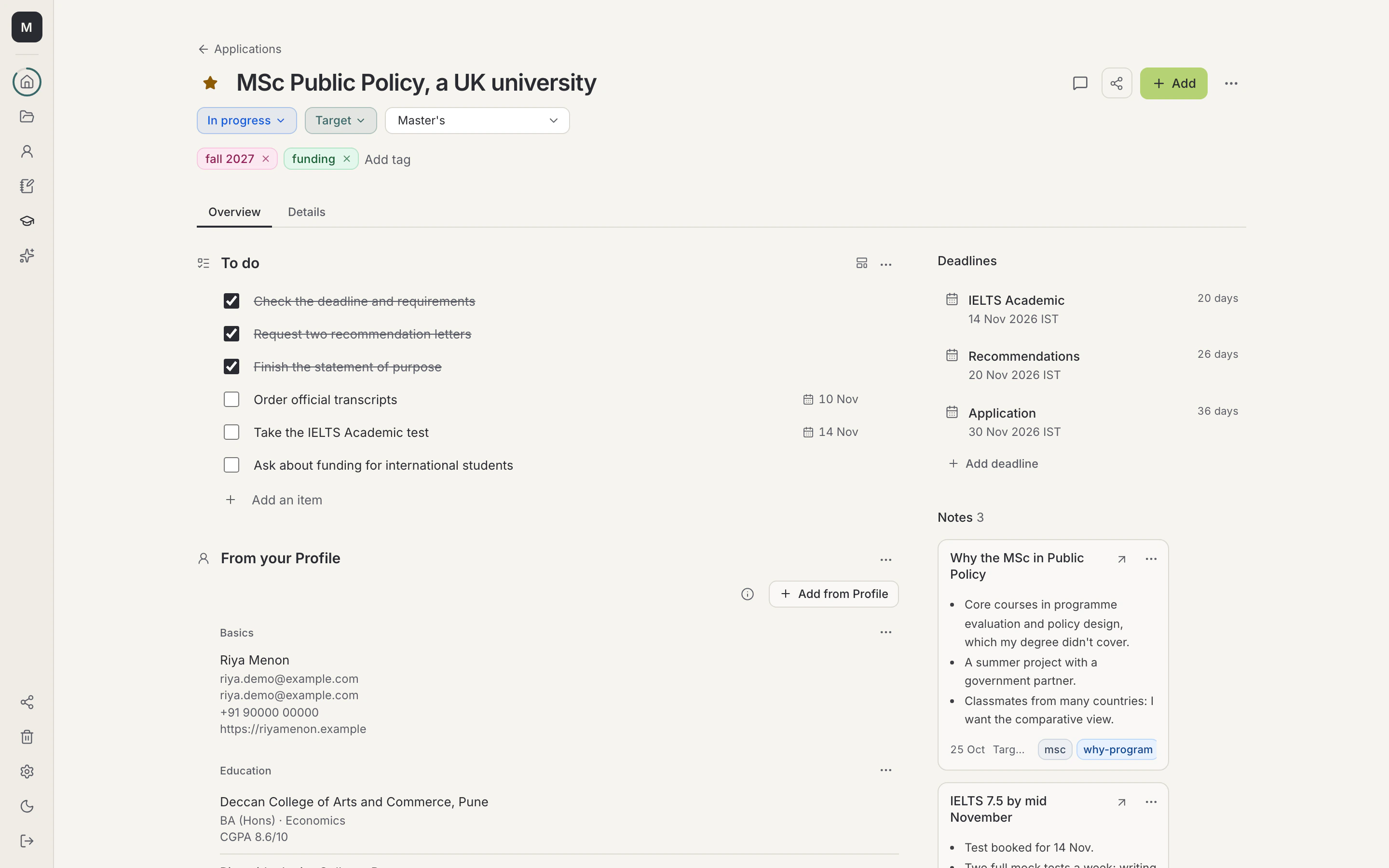
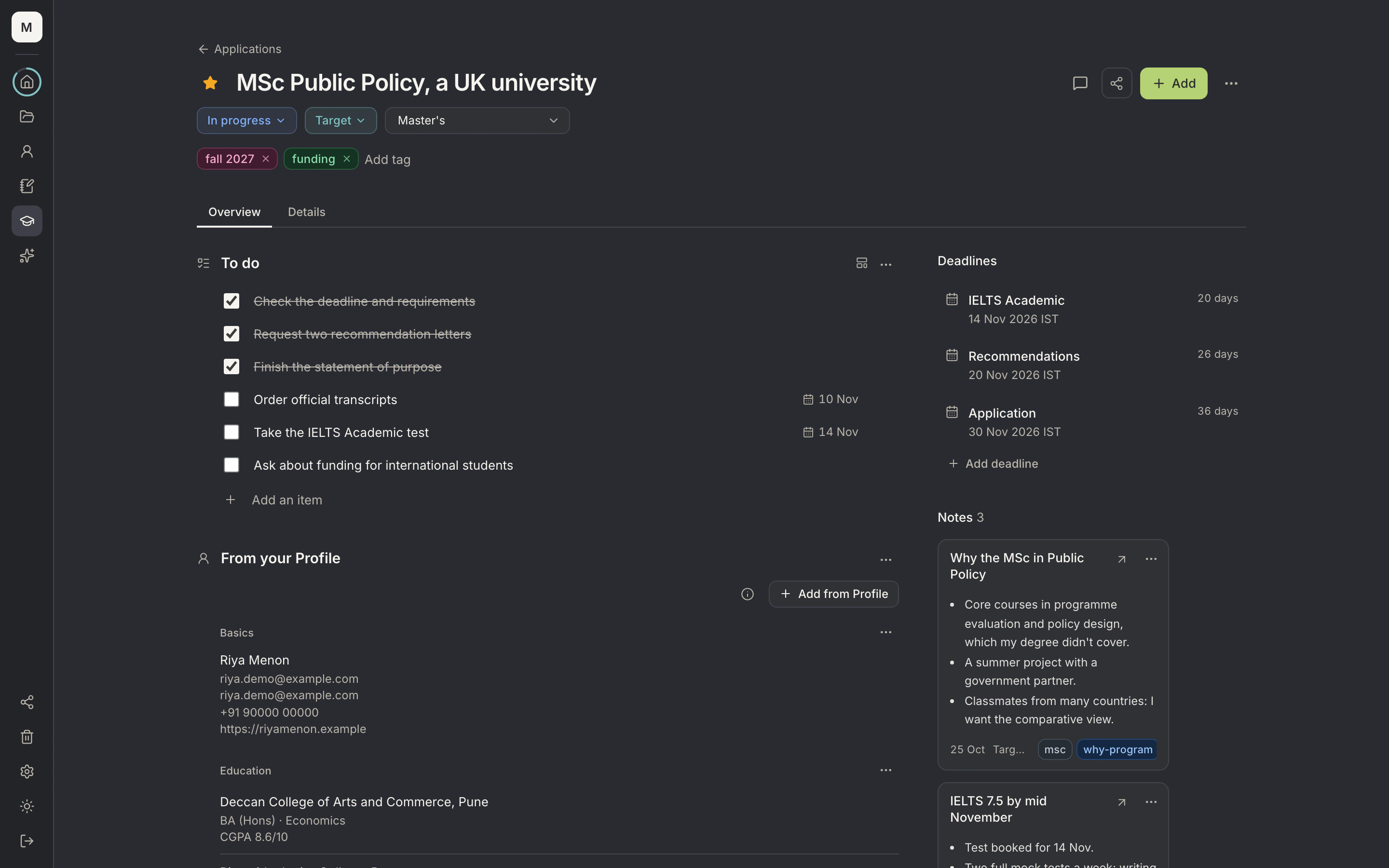
- Status and typeTrack the stage (Planning, Applied and so on), your chances and the application type.
- To doA checklist for the application; tick items off as you go.
- DeadlinesEvery deadline with a countdown; they also appear on Home under Up next.
- AddAdd a resume, Doc, file, to-do list, question or Profile facts to this application.
Ask your Assistant
Advice that starts from you, not a template.
Your Assistant reads what you've actually done. It finds the thread, suggests the framing and leaves the words and the facts to you.
What's the most compelling angle for my personal statement, given everything in my Profile?
An example conversation. Replies depend on what's in your Profile.
What you'll use
Everything in one place, free to start.
- DocsYour essays, SOPs and cover letters, in your own voice.
- ApplicationsEvery application, with everything it needs, in one place.
- ProfileEverything you've done. Written once.
- Your AssistantThe AI you already use, finally with your full story.
University and program names on this site are descriptive. MetaLaunch is not affiliated with, endorsed by or sponsored by any university, Common App or UCAS.
Your story, ready for whoever's listening.
Free to start. Your Profile, resumes, Docs and Applications cost nothing.