Docs and the Document hub
Your essays, SOPs and cover letters, in your own voice.
Write personal statements, statements of purpose, essays, cover letters and more in Docs. Your resumes, Docs and files live together in the Document hub, in folders you choose.
app.metalaunchlabs.com/documents
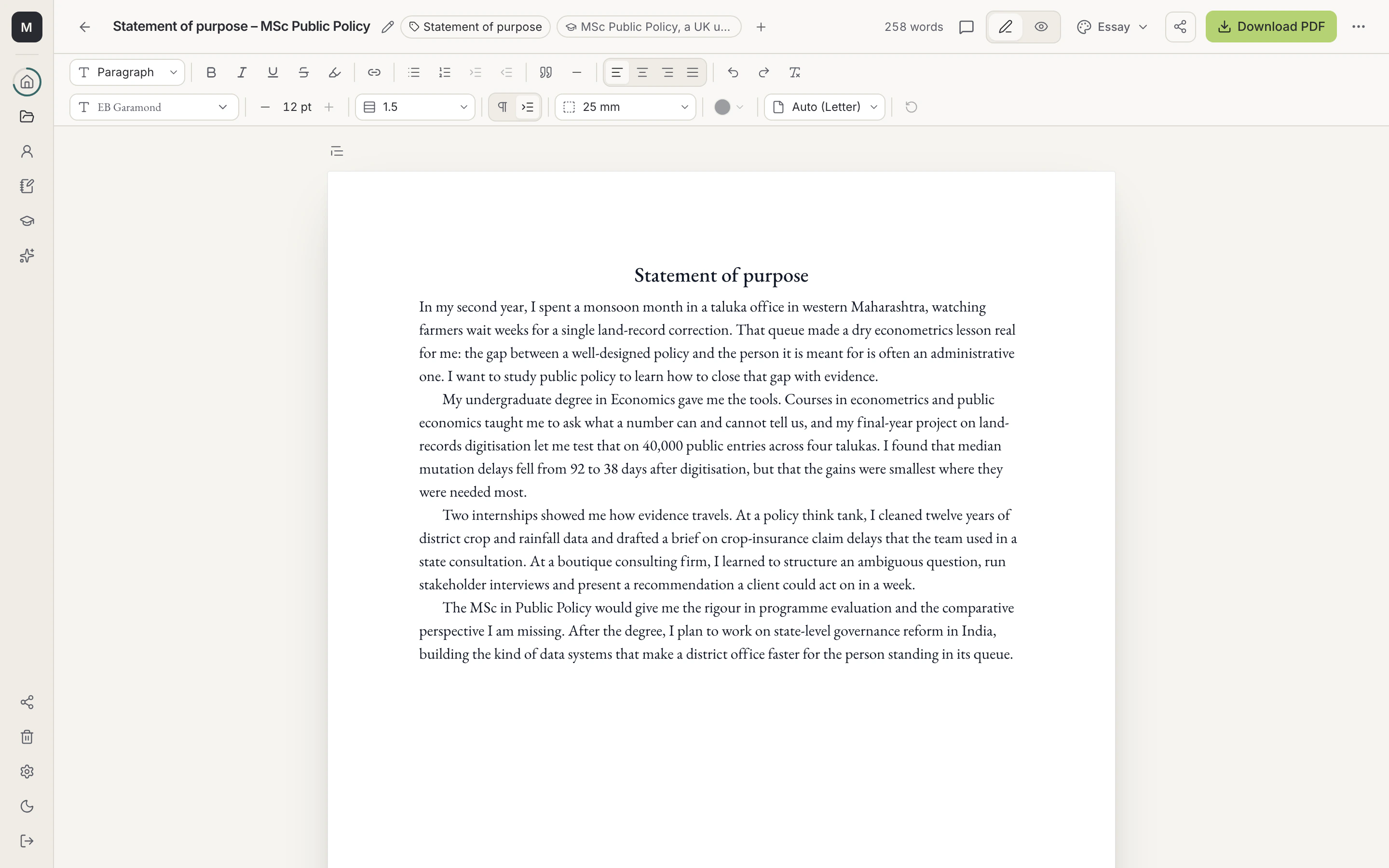
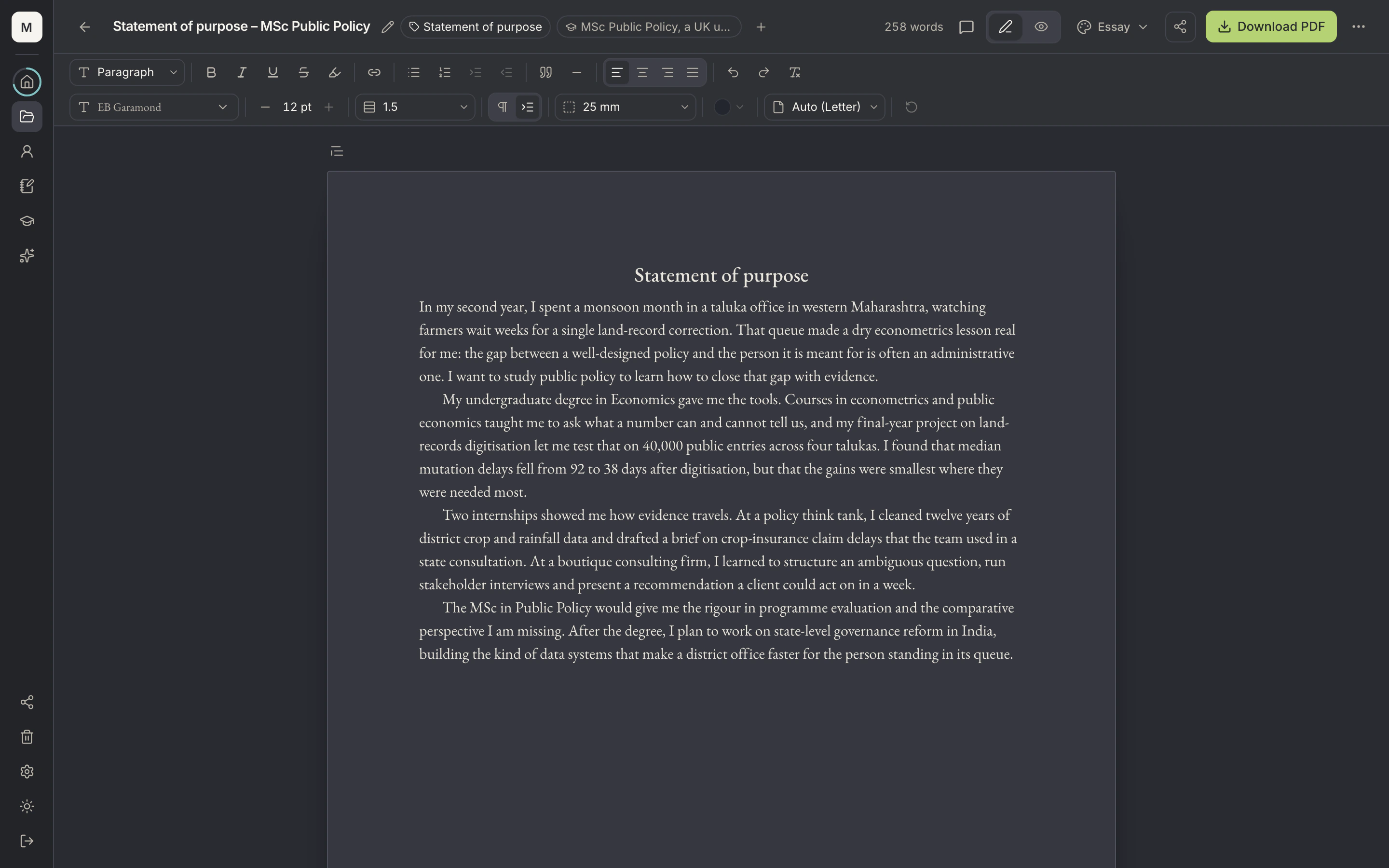
- PurposeEach Doc has a purpose, such as Statement of purpose, from a fixed list.
- Word countLive word count as you type; the Doc saves automatically.
- Formatting toolbarHeadings, lists, highlights, links, alignment, font, size and margins.
- Doc themePick a theme such as Essay to set fonts and spacing.
Write it, check it, share it, send it.
- Start from a template
- Templates are guidance written on the page as placeholders you replace. A live count and a warning before Download PDF make sure none slip through.
- Labeled for what it's for
- Mark a Doc as a personal statement, SOP, supplemental essay, research proposal, recommendation draft and more, and find it again in a second.
- Feedback without email threads
- Share a Doc with a parent, mentor or counselor to view, comment or edit. Comments sit on the exact line they're about.
- Your words stay yours
- On Docs you mark as your own words, your Assistant only comments. It never rewrites them.
Docs: questions
What can I keep in the Document hub?
Resumes, Docs and files such as marksheets or test reports, in folders up to four levels deep.
Does it save as I go?
Yes. Docs save as you type.
Your story, ready for whoever's listening.
Free to start. Your Profile, resumes, Docs and Applications cost nothing.